



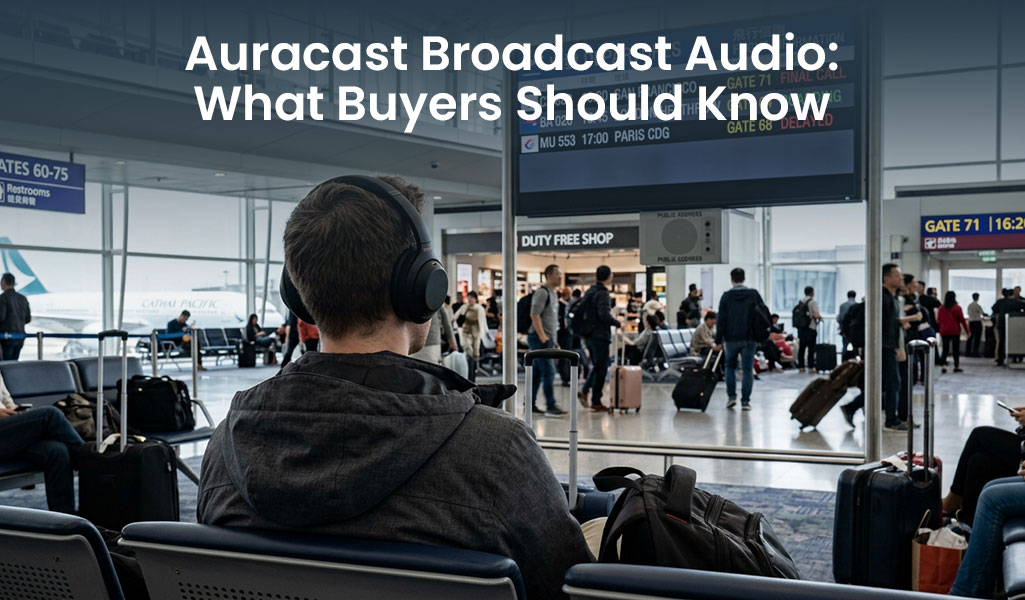
Auracast broadcast audio is moving from a promising feature into more visible real-world applications. A notable industry update arrived on October 22, 2026, when the Bluetooth SIG reported that all five of the major hearing-aid manufacturers—companies that together account for approximately 90% of the global hearing-aid market—now offer hearing aids supporting Auracast broadcast audio.
This is an important milestone for accessibility and the broader audio ecosystem. It does not mean that 90% of all wireless earbuds, headphones or smartphones support Auracast. For distributors and audio product buyers, the practical issue is whether the source device, receiving device and relevant software all support the feature.
BWOO already has an introductory article, What Is Auracast Broadcast Audio?. This updated article focuses on what has changed in 2026 and what buyers should verify when evaluating future wireless audio products.
1. What Changed in 2026?
The October 2026 hearing-aid milestone matters because it demonstrates broader support across leading assistive-listening product makers. It can help expand awareness of broadcast audio in public venues, workplaces, transport hubs, cultural spaces and other environments where individual listening access is useful.
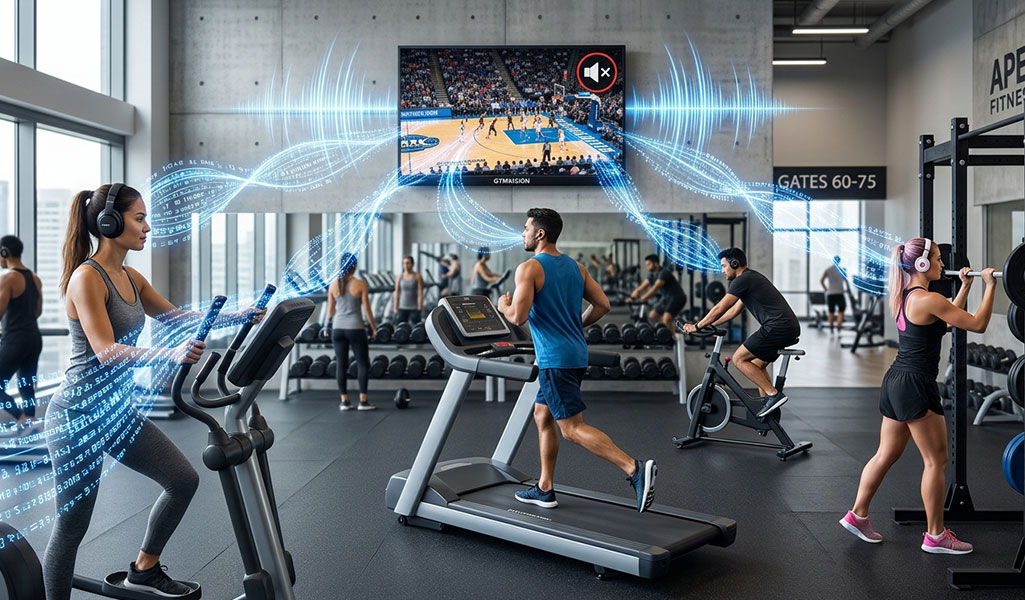
Auracast is part of the BT LE Audio ecosystem. Unlike a conventional point-to-point audio connection, broadcast audio allows a compatible source to transmit one or more audio streams to multiple compatible receiving devices. The Bluetooth SIG describes use cases such as listening to a silent TV in a public space, joining an audio tour, receiving announcements or selecting a language stream at a conference.
The value is not simply “more connections.” It is the ability to make a shared audio source available to a group of compatible listeners, with the right equipment and configuration in place.
2. Understand the Three Roles in an Auracast Experience
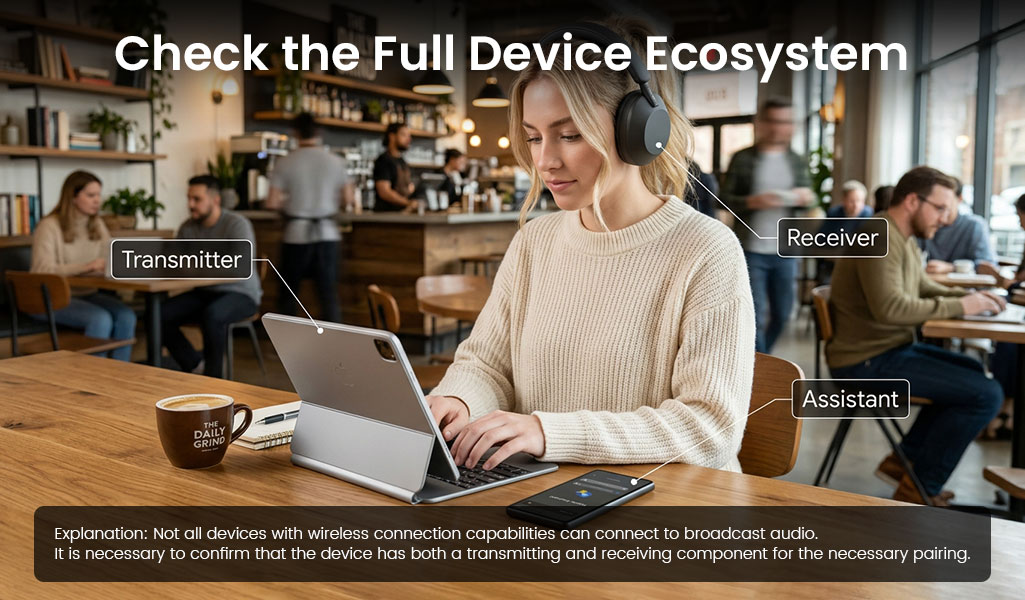
A practical Auracast deployment may involve three roles. The physical products and user experience can vary, but buyers should understand the function each part performs:
Role | What it does | What to verify |
Transmitter / broadcaster | Sends the broadcast audio stream, for example from a TV or public-address system. | Does the source support the relevant BT LE Audio broadcast capability and the intended audio setup? |
Receiver | Receives and plays the broadcast, such as compatible earbuds, headphones or hearing devices. | Does the exact model support Auracast reception, and is the feature enabled in its firmware? |
Assistant | Helps users discover, select or manage a broadcast. It does not itself transmit or receive the audio stream. | Is there a compatible phone, app or control interface that makes stream selection practical? |
A compatible receiver cannot join a broadcast that is not being transmitted by a compatible source. Likewise, a broadcaster does not make ordinary legacy earbuds Auracast-enabled. The full experience depends on compatible roles working together.
3. What Wireless Audio Buyers Should Check
Check the actual audio standard and device support
Do not infer Auracast support from a product's general wireless version number alone. Ask the supplier to identify the BT LE Audio capabilities, relevant profiles and Auracast role supported by the exact hardware and firmware version. Classic BT audio support and LE Audio support are not interchangeable labels.
Verify both the transmitting and receiving sides
A product listing may describe an earbud as “wireless” or “multi-device,” but those phrases do not confirm broadcast reception. Check the exact transmitter and receiver combinations, supported phone or TV platforms, firmware requirements and any required assistant app.
Test discovery, selection and the listening experience
For a practical demonstration, confirm how users discover a broadcast, choose the correct stream, connect, change volume and leave the session. In multilingual spaces, verify that the intended language streams are clearly identified. For private or restricted broadcasts, check the supported access-control method.
Request evidence before making a compatibility claim
Before using Auracast in a product listing, catalogue or sales presentation, request model-level technical documentation and test the production sample with a known compatible transmitter and receiver. Record the hardware revision, firmware version and configuration used for the test. Do not rely on a chipset family name or an informal supplier statement.
4. What This Means for Accessory Brands and Distributors
The hearing-aid industry milestone suggests that Auracast is becoming more relevant to accessibility-focused audio use cases. Public venues, education, travel, hospitality and conference environments may be important areas to watch. However, buyers should separate market direction from the specifications of the products they currently source.
For brands building a wireless audio range, it is sensible to ask suppliers about their BT LE Audio roadmap and whether any current or upcoming model has verified Auracast capabilities. Until model-level evidence is available, keep marketing claims limited to confirmed features such as the supported wireless version, microphone setup, ANC/ENC functions, battery life and wearing design.
For buyers reviewing current conventional wireless audio products alongside this technology update, BWOO's range includes the BO-BW591 over-ear ANC wireless headphone, the BO-BW52 ANC 4-mic wireless earbuds, and the BO-OS02 open-ear wireless earphone. These links illustrate BWOO's current audio formats only. Their product pages do not establish Auracast support, so no compatibility claim should be inferred.
For a broader overview of current earbud wearing formats, see BWOO's Open-Ear vs In-Ear Earbuds guide. Buyers comparing call and listening functions can also read How Noise-Canceling Earbuds Work: ANC vs. ENC Explained Simply and review the BWOO Over-Ear Headphone range.
Conclusion
The October 2026 Auracast milestone shows stronger adoption across major hearing-aid makers and reinforces the role of broadcast audio in accessible listening. For wireless audio buyers, the next step is not to assume that every new earbud or phone is compatible. Verify the transmitter, receiver, assistant experience, hardware, firmware and model-level evidence before using Auracast as a product claim.
This article is intended as a 2026 update to BWOO's existing Auracast explainer. Updating the existing URL will preserve its history and reduce the risk of creating two pages that compete for the same introductory search intent.
FAQ
What is Auracast broadcast audio?
Auracast is a broadcast audio capability built on BT LE Audio. A compatible source can broadcast audio streams for multiple compatible receiving devices to discover and play.
Does the October 2026 milestone mean most wireless earbuds support Auracast?
No. The Bluetooth SIG's approximately 90% figure refers to the combined global market share of five major hearing-aid manufacturers that offer Auracast-supporting hearing aids. It is not a figure for all earbuds or headphones.
Can ordinary wireless earbuds receive an Auracast broadcast?
Not automatically. The exact earbuds must support the required BT LE Audio and Auracast receiving capabilities. A general wireless connection or version number does not prove support.
Does the source device also need to support Auracast?
Yes. The broadcast source must support the relevant broadcast capability, and the receiving device must support reception. An assistant interface may also be needed to discover and select streams.
Should a buyer ask for Auracast proof before bulk ordering?
Yes. Request model-specific technical documentation and test the exact hardware and firmware with a compatible transmitter and receiver before making a compatibility claim.


