



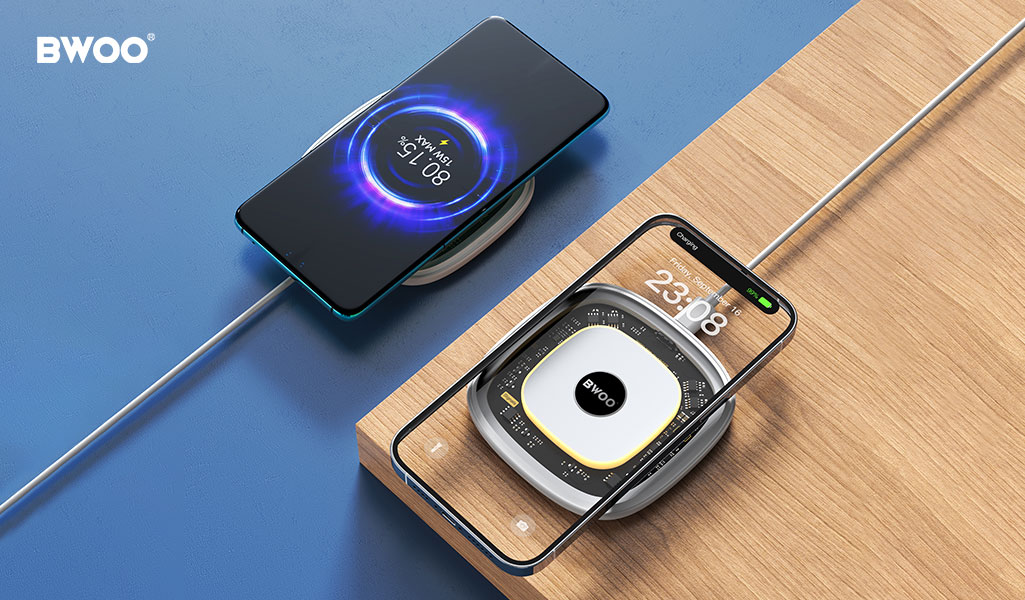
Wireless charging offers unmatched convenience—just place your phone on the pad and it starts charging. However, many users report a frustrating experience:
"I put my phone on the charger before bed, but it still isn't fully charged in the morning."
"My phone supports 15W wireless charging, but it feels more like 5W."
It's true that wireless charging is naturally less efficient than wired charging. But in most cases, extremely slow charging isn't caused by the technology itself—it's caused by setup and usage issues.
This article explains the three hidden factors that slow down wireless charging and how you can fix them immediately.
1. Mistake #1: The Power Adapter Isn't Strong Enough
A wireless charging pad depends heavily on the power adapter connected to it.
The Common Misunderstanding
Many users connect a modern wireless charger to an old 5V/1A (5W) adapter that originally came with an older smartphone.
While the wireless charger may support 15W output, the adapter simply cannot supply enough power to reach that level.
The Technical Reality
Wireless charging involves energy loss during transmission, typically around 20–30%.
This means:
To achieve 15W wireless output,
The charger may require 20W or more input power from the adapter.
If the input power is too low, the wireless pad will automatically reduce its output.
Quick Fix
Check the "Input" specification on the bottom of your wireless charger and pair it with a compatible fast charging adapter, usually supporting QC or PD protocols.
2. Mistake #2: Misalignment and Case Interference
Wireless charging works through electromagnetic induction, which means the charging coils inside the charger and the phone must align properly.
Coil Alignment Matters
Even a small shift in position can significantly reduce efficiency.
A misalignment of just one centimeter may reduce charging efficiency by more than 50%.
If your phone is placed slightly off-center on the charging pad, it may still charge—but much more slowly.
Phone Cases Can Also Affect Charging
Certain phone cases can block or weaken the magnetic field needed for wireless power transfer.
Common issues include:
Excessive Thickness
Cases thicker than 4 mm can reduce charging current.
Metal Materials
Metal cases, magnetic plates, ring holders, or stand accessories can interfere with the magnetic field.
In some situations, they may even trigger Foreign Object Detection (FOD), causing the charger to stop or slow charging.
Better Solution
Using wireless chargers with magnetic alignment systems, such as MagSafe or the newer Qi2 standard, helps ensure precise positioning every time.
3. Mistake #3: Heat Buildup Triggers Thermal Protection
Heat is one of the biggest factors affecting charging speed.
Thermal Throttling
Smartphone batteries are extremely sensitive to temperature.
If the device becomes too warm during wireless charging, the system will automatically reduce charging power to protect battery health. This process is known as thermal throttling.
Situations That Increase Heat
Charging speed may slow down when:
Playing games while charging
Charging under direct sunlight
Placing the charger on surfaces with poor ventilation
In these situations, heat accumulates faster than it can dissipate.
Practical Tip
Place your wireless charger in a cool, well-ventilated environment. Chargers designed with heat dissipation features can also maintain higher charging speeds.
4. How BWOO Defines Efficient Wireless Charging
At BWOO, wireless charging performance is improved through careful engineering design.
Qi2 Magnetic Alignment
BWOO wireless chargers supporting the Qi2 magnetic standard automatically align with compatible smartphones.
This precise positioning helps maximize energy transfer efficiency and minimizes power loss caused by misalignment.
Advanced Heat Dissipation Design
BWOO products incorporate high thermal conductivity materials and optimized internal structures that help release heat quickly.
By keeping temperatures under control, devices can maintain their maximum charging speed for longer periods.
Intelligent Power Management
Built-in smart IC chips automatically detect device requirements and adjust output dynamically, providing optimized charging levels from 5W to 15W depending on the device.
Conclusion
Slow wireless charging is rarely caused by the technology itself.
In most cases, improving three key factors makes a noticeable difference:
Use a powerful and compatible adapter
Ensure proper coil alignment
Keep the device cool during charging
With the right setup and well-designed charging hardware, wireless charging can be both convenient and efficient.


