




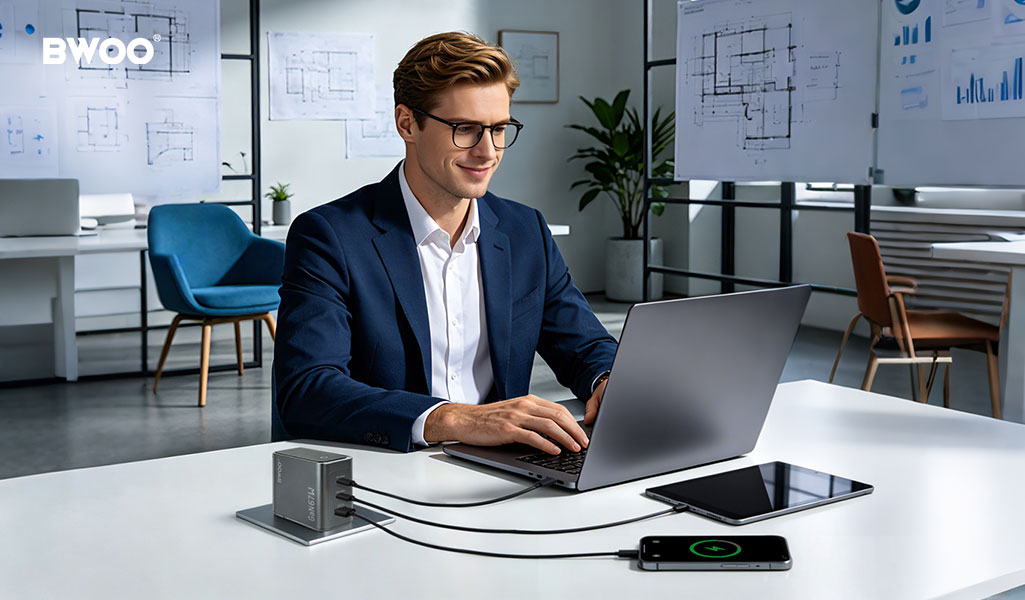
The Multi-Port Mystery Every Consumer Has Faced
You plug your laptop into a 100W multi-port charger, and it starts charging at full speed. Then you connect your phone to the second port, and suddenly your laptop slows to a crawl. Is the charger broken? Is this a defect?
No. What you are experiencing is smart power allocation — one of the most misunderstood features in modern charging technology. This guide explains exactly what happens inside your multi-port charger, why speeds fluctuate, and how to get the best performance from every port.
How a Multi-Port Charger's "100W" Label Actually Works
When a charger is labeled "100W," that number represents the maximum total output across all ports combined — not per port. This is the most common misconception among consumers.
Think of it like a shared water supply. If you have a 100-liter tank feeding three taps, you cannot run all three at full pressure simultaneously. The total flow is capped at 100, and the system must decide how to distribute it.
In charging terms, a 100W charger can deliver:
100W to a single device — perfect for a laptop
65W + 30W when two devices are connected — laptop plus phone
45W + 30W + 18W with three devices — laptop, phone, and earbuds
The moment you plug in a second device, the charger's internal controller renegotiates power delivery with all connected devices. This renegotiation is what causes the temporary speed drop you notice.
Dynamic Power Allocation vs Fixed Power Allocation
Not all multi-port chargers are created equal. There are two fundamentally different approaches:
Fixed Power Allocation
Entry-level multi-port chargers use fixed allocation: each port has a predetermined maximum wattage regardless of what is plugged into other ports. For example, a fixed 3-port charger might permanently assign 45W to Port 1, 30W to Port 2, and 18W to Port 3 — even if Port 3 is empty and Port 1 could benefit from more power.
The advantage is simplicity and lower manufacturing cost. The disadvantage is wasted potential: unused capacity sits idle.
Dynamic (Smart) Power Allocation
Premium chargers, including most GaN-based models from BWOO, use dynamic allocation. The internal chipset continuously monitors what each connected device actually needs and redistributes unused power in real-time.
If only a laptop is connected, it receives the full 100W. When a phone is added, the system instantly recalculates — giving the laptop perhaps 65W and the phone 30W. When the phone reaches 80% and throttles its own draw to 10W, those extra 20W are immediately redirected back to the laptop.
How to Get the Fastest Multi-Device Charging
Match Your Cable to the Wattage
A USB-C cable rated for 60W will bottleneck a 100W-capable port. Always check the cable's wattage rating — it is typically printed on the connector or packaging. For high-wattage charging, look for cables with an E-Marker chip (5A rating), which allows the cable to communicate its maximum capacity to the charger.
Prioritize Your Ports
Most dynamic chargers designate one port as the "primary" — typically the first USB-C port. This port is given priority when power must be split. Always connect your highest-wattage device (laptop) to the primary port.
Don't Overload
Connecting three or four devices to a charger rated for 100W total will divide power into smaller slices. If you need full-speed laptop charging, consider using a dedicated high-wattage port and limit additional devices to one or two.
BWOO Multi-Port Chargers: GaN with Smart Allocation
BWOO's GaN charger lineup exemplifies dynamic power allocation in action. The BO-CDA267 140W 4-Port GaN Smart Display Charger and BO-CDA265 67W 3-Port GaN Smart Display Charger both feature real-time wattage displays and intelligent power distribution. The integrated smart display shows exactly how many watts each connected device is drawing — turning the invisible power negotiation into visible data.
Conclusion
The next time your second device causes a speed drop, remember: your charger isn't broken. It is actively managing a finite power budget to charge all your devices as efficiently as possible. Choose a charger with dynamic power allocation, pair it with properly rated cables, and connect your most power-hungry device to the primary port. The charging speed you get is exactly the charging speed the physics allows.


