







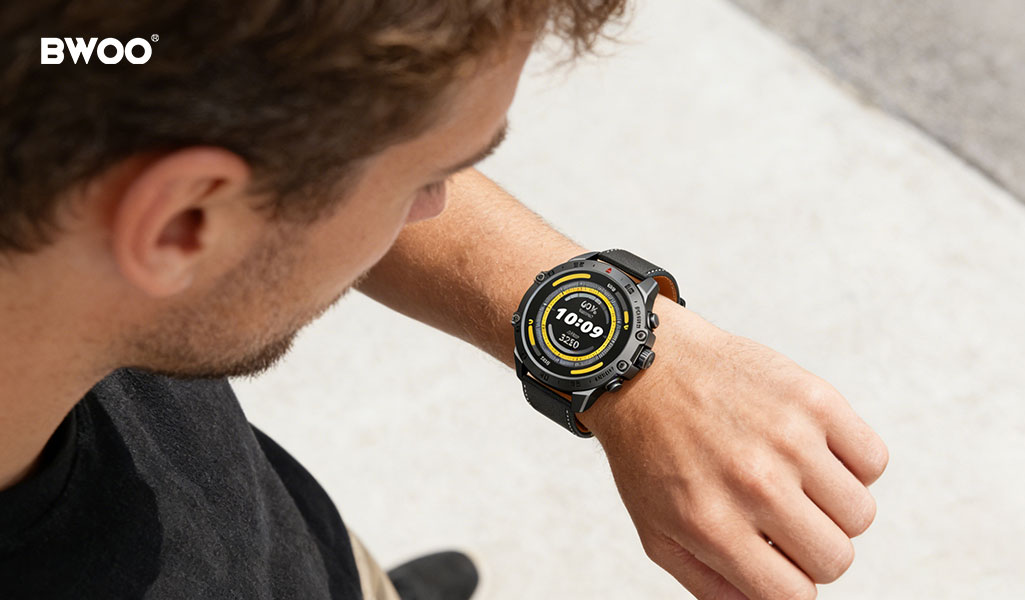
Many smartwatch users complain that their device requires daily charging, sometimes even when it hasn't been used heavily. This is mainly due to the balance between powerful features and limited battery capacity.
Modern smartwatches include health monitoring sensors, high-refresh displays, wireless connectivity, and multiple background services. While these functions improve the user experience, they also consume energy continuously.
The good news is that many power-hungry features run quietly in the background and can be optimized through simple settings. This guide introduces seven practical adjustments that can extend your smartwatch battery life—often by several hours or even an extra day—without sacrificing essential features.
1. Turn Off Always-Listening Voice Assistants
Why It Drains Battery
Many smartwatches keep the microphone active to detect voice commands such as "Hey Google" or "Hey Siri." This means the device is constantly listening in the background, which consumes power even when you are not actively using it.
Optimization Tip
Disable the always-listening feature and switch to manual activation, such as pressing a button to launch the voice assistant.
This small change can significantly reduce background power consumption.
2. Use Dark Watch Faces Optimized for AMOLED Displays
The Technology Behind It
Most modern smartwatches, including many BWOO models, use AMOLED displays. Unlike traditional screens, AMOLED panels do not illuminate pixels that display black, meaning darker screens consume less energy.
Optimization Tip
Choose watch faces that:
Use a black or very dark background
Avoid heavy animations
Display only essential information
Minimalist watch faces with 70% or more dark background can noticeably improve battery life.
3. Reduce Heart Rate Monitoring Frequency
Why This Matters
Continuous heart rate tracking requires the optical sensor to operate frequently. While this feature is useful during workouts, constant monitoring may be unnecessary during everyday activities.
Optimization Tip
Adjust the monitoring interval to:
Every 10 minutes, or
Automatic monitoring during rest periods
You can still enable B when detailed data is needed.
4. Manage the Raise-to-Wake Feature
The Problem
The raise-to-wake function automatically turns on the display when the watch detects wrist movement. However, many normal hand movements—such as typing, driving, or walking—can trigger the screen unintentionally.
Optimization Tip
Consider these alternatives:
Disable raise-to-wake
Use tap-to-wake instead
Enable Always-On Display (AOD) only when necessary
This reduces unnecessary screen activations throughout the day.
5. Control Background App Refresh
Hidden Battery Drain
Many smartwatch applications automatically refresh data in the background, including:
Weather updates
News feeds
Fitness statistics
App updates
These background processes can run even when the apps are rarely used.
Optimization Tip
Go to the app management settings and disable background refresh for non-essential apps.
Only keep it enabled for apps that truly require real-time updates.
6. Disable Automatic Wi-Fi Scanning
Why It Consumes Power
When a smartwatch loses connection with the smartphone, it may start searching continuously for Wi-Fi networks. This constant scanning can quickly increase battery consumption.
Optimization Tip
Turn off automatic Wi-Fi scanning and rely primarily on low-power wireless connections with your smartphone.
Enable Wi-Fi manually only when you need to download large updates or data.
7. Filter Unnecessary Notifications
Notification Overload
Every notification triggers:
A vibration alert
A screen wake-up
Data synchronization
Frequent notifications from social media or marketing apps can drain battery faster than expected.
Optimization Tip
Keep notifications only for essential communication apps such as:
Calls
Messaging apps
Important reminders
Disable alerts from apps that do not require immediate attention.
Advanced Tips: New Power Management Technologies in 2026
Beyond manual settings, modern smartwatches are beginning to use more advanced power management systems.
Hybrid Operating System Mode
Some newer smartwatch platforms include secondary low-power processors that handle background tasks such as step counting or notification processing.
This allows the main processor to remain inactive longer, significantly reducing overall power consumption.
Automated Sleep Mode
Many devices allow users to schedule a sleep mode that automatically activates at night.
When enabled, this mode can:
Disable unnecessary notifications
Reduce screen activity
Maintain only essential health tracking such as sleep monitoring
Automating this setting ensures the watch conserves energy during hours when it is not actively used.
Conclusion: Smart Settings Make a Big Difference
Smartwatch battery life depends not only on hardware capacity but also on how the device is configured and used.
By adjusting features such as voice assistant activation, display settings, sensor frequency, and notification management, users can significantly extend daily battery life without losing the core functionality that makes smartwatches valuable.
With thoughtful configuration and modern power management technologies, smartwatches in 2026 can remain both powerful and efficient companions for everyday life.


